Author Topic: Distance field based font render  (Read 8341 times)

0 Members and 1 Guest are viewing this topic.

Offline Xetick

  • Atari ST
  • ***
  • Posts: 132
  • Karma: 80
    • View Profile
    • Plane9
Distance field based font render
« on: March 05, 2011 »
Finished my distance field font renderer and I though that others might be interested in this if they only knew just how useful it is.

If you start with a normal bitmap font text rendered it's very simple to convert it to a distance field font render system. I can highly recommended the angle font generator for a simple normal bitmap font rendererd. Then apply the bitsquad distance field tool to generate a distance field texture from it.

But part of the nice thing with a distance field is that you dont have to render simple monochrome fonts. Because the font contains the distance to the font outline you can have some fun with it. Like adding a outline, drop shadow or bluring the font in just a line of shader code or two. Valves original paper has the shader code for all of them.

An example of this is
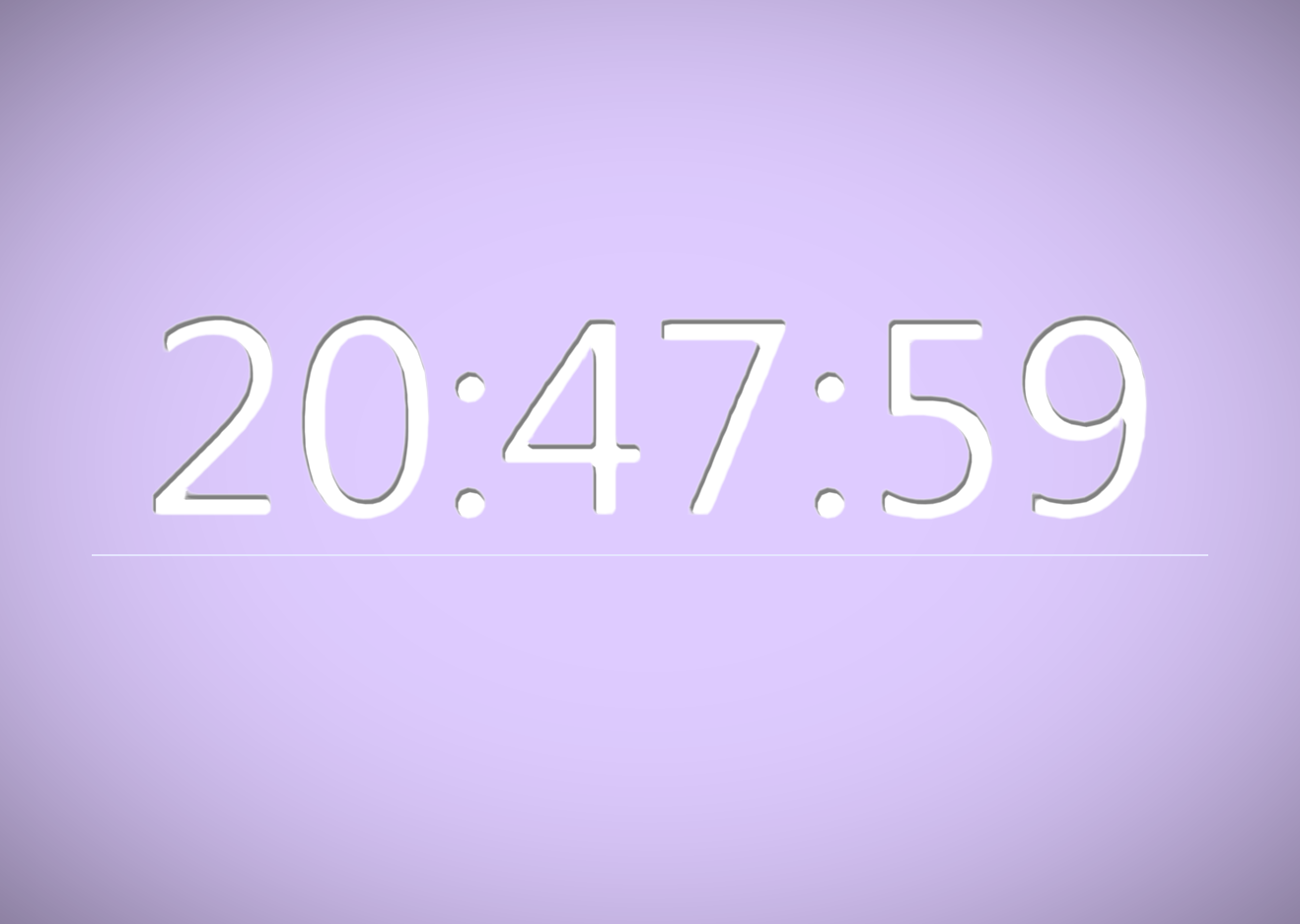
In the original unscaled image the letters in that image is about 200 pixels height each and making them larger has only a small effect on the quality. The font used covers most ascii chars but fits in a 256x256 texture with only one component. The effect used is a drop shadow but adjusted to affect the inside of the characters.

Plane9 - Home of the Plane9 3d screensaver/music visualizer
Challenge Trophies Won:

Offline va!n

  • Pentium
  • *****
  • Posts: 1432
  • Karma: 109
    • View Profile
    • http://www.secretly.de
Re: Distance field based font render
« Reply #1 on: March 05, 2011 »
- hp EliteBook 8540p, 4 GB RAM, Windows 8.1 x64
- Asus P5Q, Intel Q8200, 6 GB DDR2, Radeon 4870, Windows 8.1 x64
http://www.secretly.de
Challenge Trophies Won:

Offline Xetick

  • Atari ST
  • ***
  • Posts: 132
  • Karma: 80
    • View Profile
    • Plane9
Re: Distance field based font render
« Reply #2 on: March 06, 2011 »
Yes, thats the exact paper I link to ;)
Plane9 - Home of the Plane9 3d screensaver/music visualizer
Challenge Trophies Won:

Offline Rbz

  • Founder Member
  • DBF Aficionado
  • ********
  • Posts: 2757
  • Karma: 493
    • View Profile
    • https://www.rbraz.com/
Re: Distance field based font render
« Reply #3 on: March 07, 2011 »
Very nice!

This site have a source code example and more info.
Challenge Trophies Won:

Offline Rbz

  • Founder Member
  • DBF Aficionado
  • ********
  • Posts: 2757
  • Karma: 493
    • View Profile
    • https://www.rbraz.com/
Re: Distance field based font render
« Reply #4 on: March 07, 2011 »
yay! I've managed to implement this cool xna sample version.
Thanks Xetick for showing us this technique, it's very useful.

Use your cursor keys + A/Z to translate, F1/F2/F3 to change distance texture.

Requires a graphic card with PS 3.0.
Challenge Trophies Won:

Offline Shockwave

  • good/evil
  • Founder Member
  • DBF Aficionado
  • ********
  • Posts: 17409
  • Karma: 498
  • evil/good
    • View Profile
    • My Homepage
Re: Distance field based font render
« Reply #5 on: March 07, 2011 »
Nice... Really elegant and cool!

I'l love to see a text writer from this technology with HUGE letters zooming into the screen or maybe even used to make an Outrun style road and scenery :)  I bet that would look as cool as hell.
Shockwave ^ Codigos
Challenge Trophies Won:

Offline va!n

  • Pentium
  • *****
  • Posts: 1432
  • Karma: 109
    • View Profile
    • http://www.secretly.de
Re: Distance field based font render
« Reply #6 on: March 07, 2011 »
@rbz:
Really nice demonstration with a nice result @ 60/61 fps!
Btw, how to change the 'Scale' operator?

Would be nice to have the hotkeys as helppage under the info output ^^
Did i understand you right, that your version is based on XNA?
- hp EliteBook 8540p, 4 GB RAM, Windows 8.1 x64
- Asus P5Q, Intel Q8200, 6 GB DDR2, Radeon 4870, Windows 8.1 x64
http://www.secretly.de
Challenge Trophies Won:

Offline Rbz

  • Founder Member
  • DBF Aficionado
  • ********
  • Posts: 2757
  • Karma: 493
    • View Profile
    • https://www.rbraz.com/
Re: Distance field based font render
« Reply #7 on: March 07, 2011 »
@va!n: You can use your numpad +/- to change scale.

Quote
Did i understand you right, that your version is based on XNA?
I've used my MSVC framework, I just borrowed it's .fx file which is in fact the core source code for this effect :)

@Shockwave: the possibilities are endless, Masagin anyone ;)
Challenge Trophies Won:

Offline Xetick

  • Atari ST
  • ***
  • Posts: 132
  • Karma: 80
    • View Profile
    • Plane9
Re: Distance field based font render
« Reply #8 on: March 07, 2011 »
@rbz
Thanks for the link. Haven't seen that link before. They do their own filtering if I understand correctly. I do wonder why because I haven't seen any problems on relying on the hardware to do it and even valves original paper just relies on the bilinear filtering hardware. But I guess the paper goes into details of why this is needed.

Nice demo. Seems like you did like me and went with valves approach.

Found something useful to write except the clocks I always seems to do with a text writer and did a quick test

'How I met your mother' does have it's highlights ;D
Plane9 - Home of the Plane9 3d screensaver/music visualizer
Challenge Trophies Won: